Best Back to School Laptops 2026 — $499 to $1,599!
School's about three weeks out for most of you, and I've been getting the same question in the comments for a month: which laptop should I get for school? This time we're doing it by price, cheapest to most expensive — because this year was weird. Everything got more expensive thanks to "Ramageddon," Apple raised prices in June, and the laptop you were eyeing in March isn't the same price today. So me saying "here's the best laptop" is kind of useless — the best laptop is the one you can actually afford. We start at $500 and work up. And if you're a student, a parent of one, or you teach, the education discounts are a must.
Quick Verdict
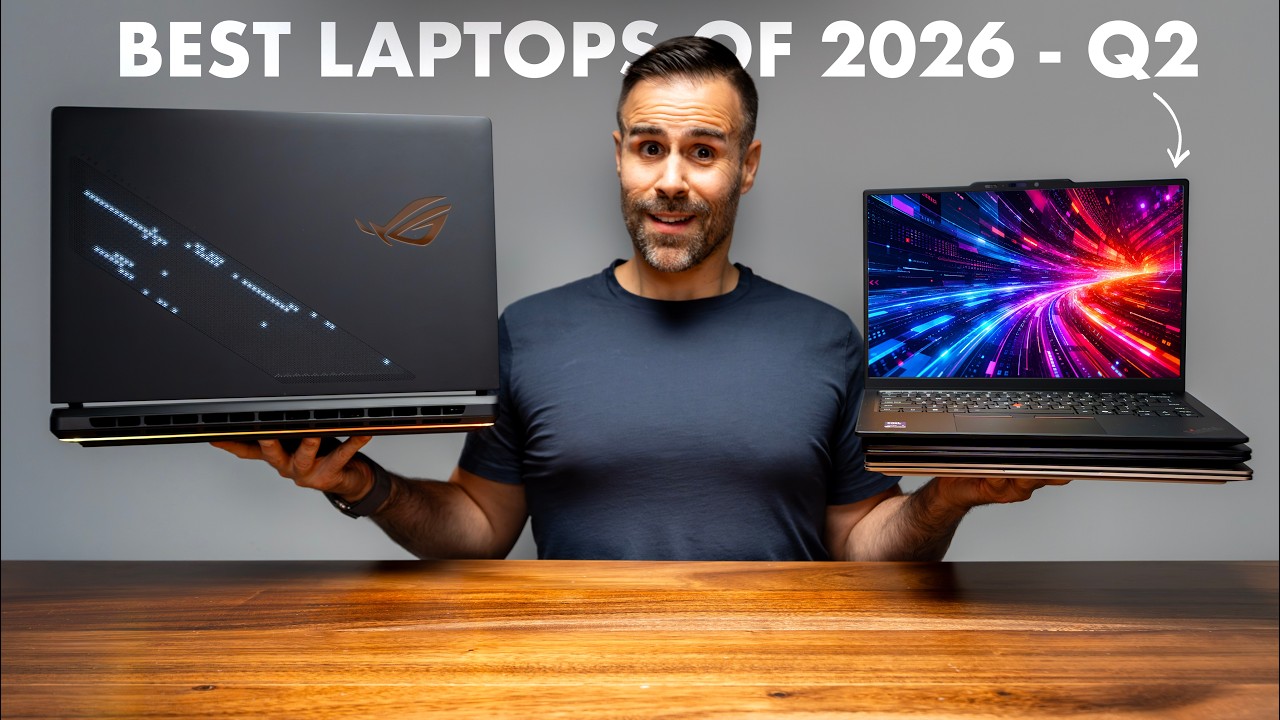
Six laptops, $499 to $1,599. The HP OmniBook 3 ($500) is the floor — great OLED, but only 8GB of RAM (fine for a kid, not a heavy college student). The MacBook Neo ($599 edu) is silent and fast in a browser but capped at 8GB with no backlit keyboard. The ASUS ZenBook A14 is the best all-around value (16GB, backlit, face unlock). The Dell XPS 13 ($799 edu) is the one I'd buy for most students. The MacBook Air M5 is the buy-it-for-four-years pick if you can afford it, and the ASUS ROG Zephyrus G14 is the only one here that games and does serious GPU work. Two quick rules: on Windows, 16GB of RAM is the floor in 2026, and if you're choosing between more RAM or more SSD, always take the RAM — it's usually soldered, while storage you can expand externally.
HP OmniBook 3 — $500 (The Floor)
This is the only laptop here I haven't personally used — everything is from HP's spec sheet and the Best Buy listing — but the price is too good to leave out, and $500 is the lowest I'd spend on a laptop right now. It surprised me: a Snapdragon X Plus (8 cores) and a 14-inch OLED for $500, with a 256GB SSD and a 60Wh battery. HP claims 41 hours 45 minutes — but that's video playback, the easiest battery test there is; real use with a pile of tabs will be far less. Even a big fraction of that keeps the charger in your bag, which is the point at school.
The catch: only 8GB of RAM. I said it in my XPS video and I'll keep saying it — 16GB is the floor on Windows in 2026, and it's worse here because this is Windows on ARM, so anything not compiled natively runs through emulation, which eats memory. For a kid doing homework and YouTube, go for it. For an actual college student with 30 tabs, a PDF, Spotify, and Teams calls all at once, get 16GB. One note: the listing says "2K OLED," but scroll down and the panel is 1920×1200 — that's Full HD+, not 2K. Still, an OLED for $500 is awesome.
MacBook Neo — $599 (with edu discount)
The cheapest Mac Apple has ever made. The education discount knocks $100 off, so students land at $599. You get an A18 Pro — the same chip from the iPhone 16 Pro — fanless (so it's silent, not just quiet), over 500 nits (brighter than anything below it here), a headphone jack, and macOS. The surprise: it's generally faster than the Windows laptops around it at the thing you do all day — living in a browser. When I tested the XPS, the Neo came out 45% faster in Speedometer (web apps, Canvas, Google Docs, 40 tabs).
The cons are real: no backlit keyboard and no ambient light sensor — writing a paper at 1 AM in a dark dorm, you can't see the keys, on a $600 laptop in 2026. No Touch ID either (you need the $699 model for biometrics). Two USB-C ports, but only one is fast — the other is USB 2.0. And 8GB of RAM, with no 16GB model ever (Apple would have to redesign the chip). To be fair, 8GB on macOS isn't the same as 8GB on Windows — memory management is better — but it's still 8GB, and you're stuck with it for as long as you own it.
ASUS ZenBook A14 — The Best Value in the Video
Same "2K" story as the HP — the Best Buy title says 2K OLED, but the spec sheet is 1920×1200 (that's two of the six laptops here sold as something they're not). But it's a good panel: real OLED, Pantone-validated, 600 nits in HDR (double the HP), 60Hz — totally fine at this price. And honestly, the rest of this laptop is the best value in the whole video: 16GB of RAM and a 512GB SSD (double the HP on both), down from $999, at just 2.4 lb — which sounds like nothing until you're carrying it across campus for four years. You also get the biggest-feeling 70Wh battery, a backlit keyboard (which the MacBook Neo doesn't have), face unlock, two USB4 ports, USB-A, HDMI 2.1, and a replaceable SSD (one M.2 slot, up to 1TB).
Same ARM warning as the HP, though: if your program needs specific Windows software — engineering tools, CAD, some stats packages, anything with a hardware dongle — check that it runs on ARM before you buy, so you don't find out a week in that your required software doesn't work.
Dell XPS 13 — $799 (The One to Buy for Most Students)
I did a whole video on this one, so I'll keep it short. The right model comes with 16GB of RAM and a 512GB SSD at $799 with the student discount — the base model is 8GB, and do not buy that one. The display is why it's here: 2560×1600, and this one is actually 2K — IPS, but touchscreen, at 120Hz with a variable refresh rate that drops to 30Hz to save battery, which is kind of crazy for the price. You also get a backlit keyboard, Windows Hello, Wi-Fi 7, four speakers, two fast USB-C ports (more than the Neo can say), 26 hours in PCMark's Office test, and it's only 2.2 lb — really well made for the money.
The misses: no headphone jack (a real one on a student laptop), it took 46% longer than the Neo to compile code (79 minutes vs 54), and the integrated graphics are genuinely bad. But it's a writing/browsing/lecture machine and it's excellent at that — and fully app-compatible, unlike the ARM options. Just don't buy it to edit video. If you can afford it, this is the one to buy for most students.
MacBook Air 13 (M5) — Buy It for Four Years
If you can afford it, the MacBook Air comes with an M5 (10 CPU cores, 10 GPU cores), starts at 512GB of storage, does up to 18 hours, and has a 12MP Center Stage camera — the best webcam here by a mile (you'll be on video calls more than you think). Great speakers, fanless and silent like the Neo, except there's a real chip behind it — and unlike the Neo, you can spec the RAM to whatever you want.
The problem is price: about $600 more than the MacBook Neo with the education discount. What that buys you: a real chip instead of a phone chip, a backlit keyboard, Touch ID, configurable RAM, double the storage, a far better camera, and something that'll still be good in year four.
ASUS ROG Zephyrus G14 — If You Need to Game or Do GPU Work
This is the "I need to game, maybe do some AI, and might need a GPU for certain apps — but I also want something easy to carry with good battery that won't destroy my wallet" pick. It comes with a Ryzen 9 270 (a more affordable, slower CPU than Intel's current ones), an NVIDIA RTX 5060, 16GB of LPDDR5X, a 1TB SSD, and a 14-inch 3K OLED at 120Hz. It's the only laptop here that plays games beautifully and the only one that does serious GPU work — Blender, Premiere, ML coursework, anything CUDA. RAM is soldered here too, but for the price it's the best option for anyone who needs something light with a real GPU.
- Buy: USA
How to Choose (and a Money-Saving Tip)
Buy what you can afford. If you've got money left over and you're debating RAM versus SSD, always take the RAM — it's usually soldered to the motherboard, while an SSD that's small at purchase can be expanded with an external drive later.
I usually say hunt for last year's models, but I've been looking and a lot of them are already sold out this year. Your better move right now is refurbished deals — if you can find something used that's been repaired and is ready to go at a good price, that's your best option.
Where to Buy
| Laptop | USA | Canada |
|---|---|---|
| HP OmniBook 3 | Link | Link |
| MacBook Neo | Link | Link |
| ASUS ZenBook A14 | Link | Link |
| Dell XPS 13 | Link | Link |
| MacBook Air 13 | Link | Link |
| ASUS ROG Zephyrus G14 | Link | — |
Affiliate Disclosure: This article contains affiliate links. If you purchase through these links, we may earn a commission at no extra cost to you.
Published: August 2026